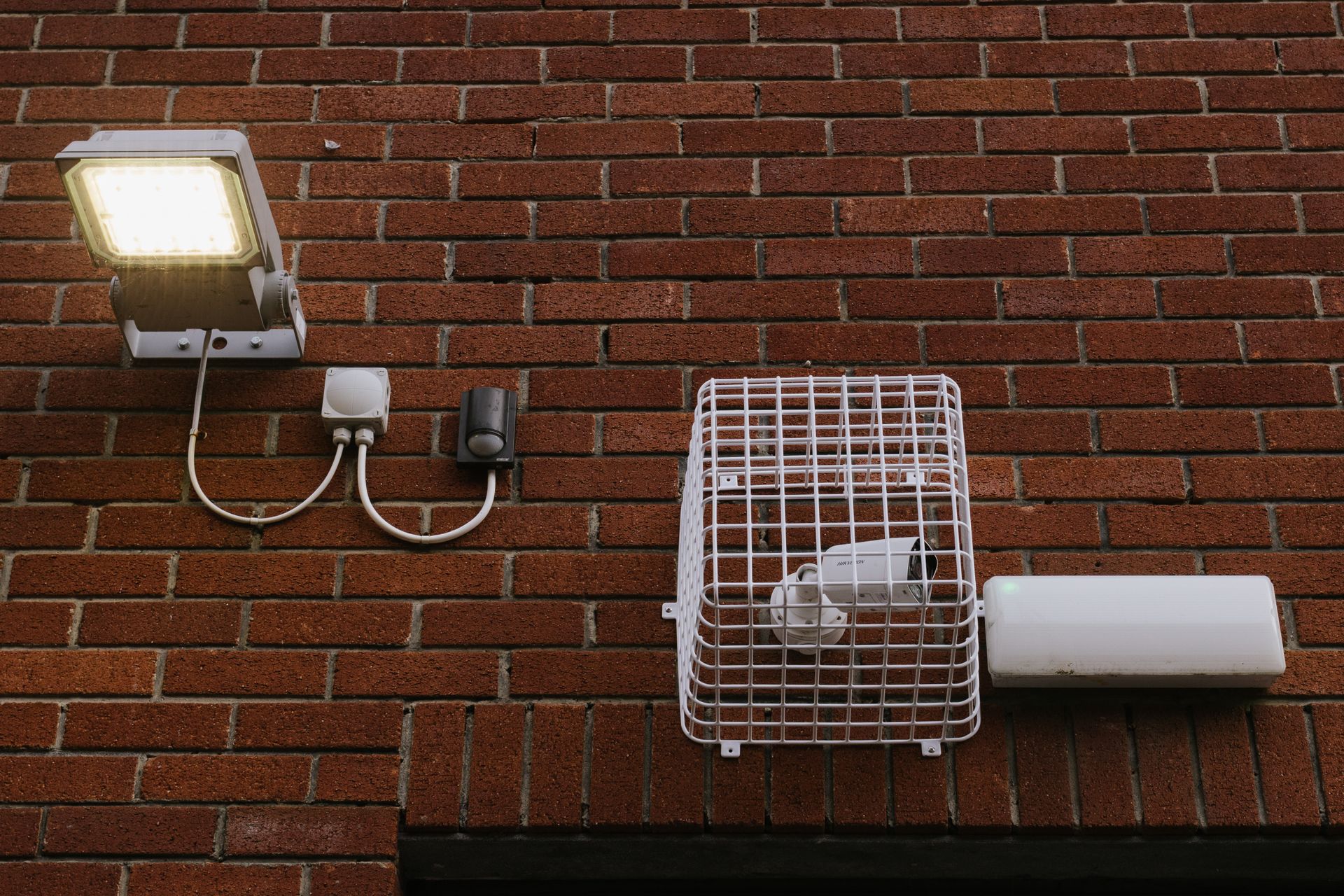
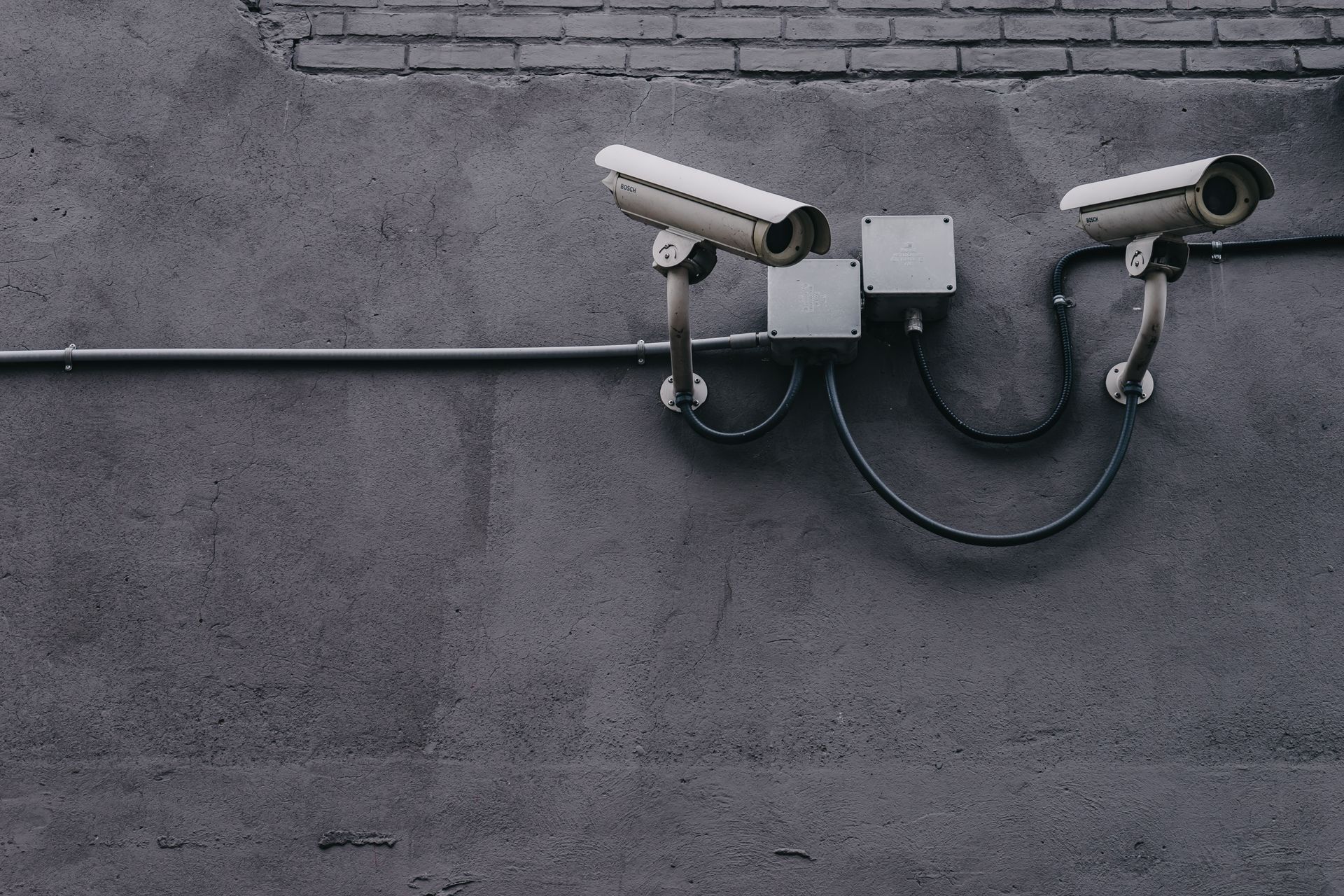
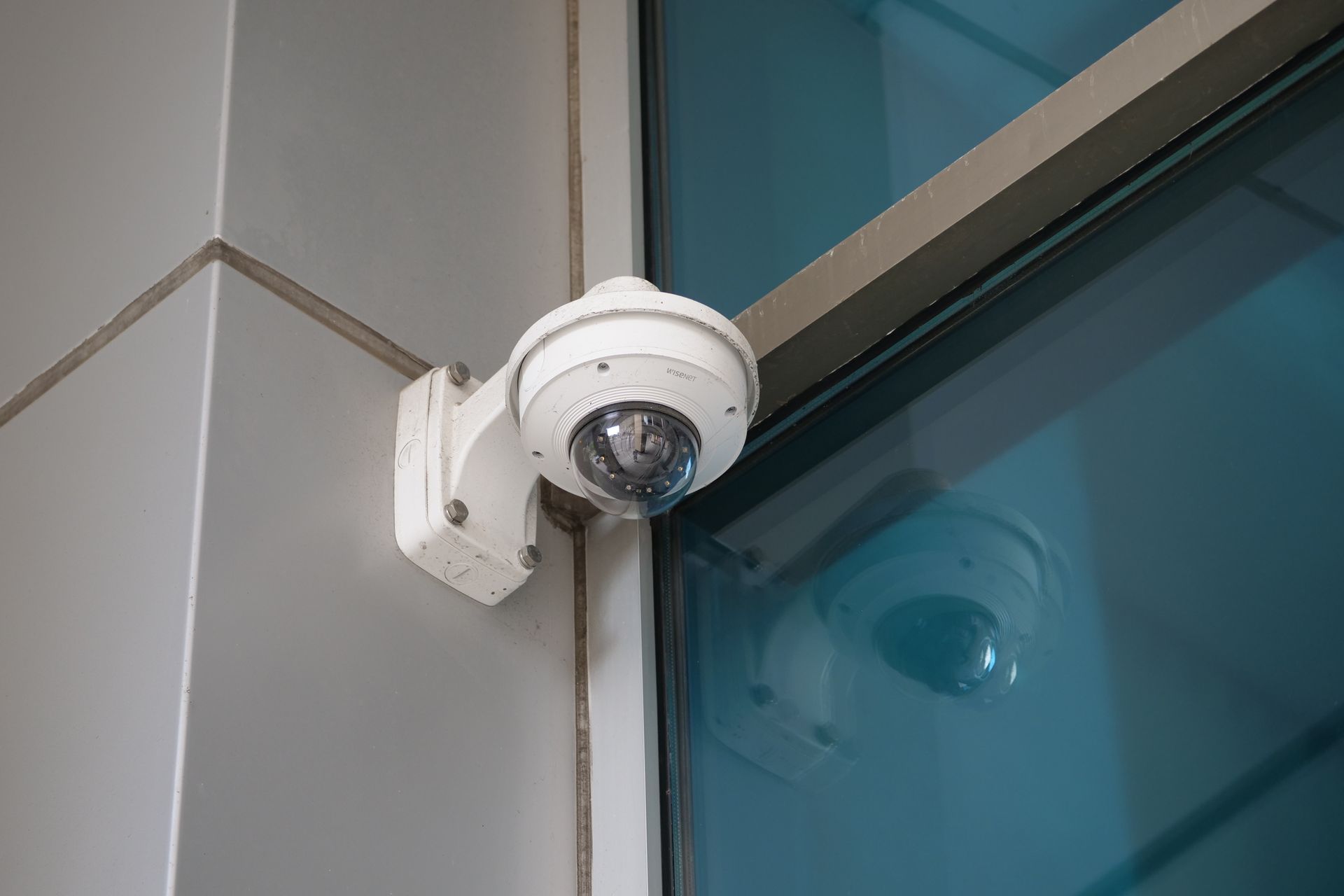
The recorder is the brain of your CCTV system — yet most buyers focus only on cameras and pick the recorder as an afterthought. Choosing the right DVR (for analog cameras) or NVR (for IP cameras) decides your video quality, storage and future expandability.
For a 4-camera setup, look for a recorder that supports your camera resolution (don't pair 5MP cameras with a recorder capped at 2MP), has at least one SATA bay for a surveillance-grade hard drive, and offers H.265 compression to stretch storage further. Brand-matched recorders (Hikvision NVR with Hikvision cameras) also unlock smart features like motion alerts and easy mobile setup.
DVR vs NVR: The Simple Rule
Use a DVR if you have analog/HD-TVI cameras connected by coaxial cable; use an NVR if you have IP cameras connected by LAN/PoE. NVRs deliver higher resolution and single-cable PoE power but cost more; DVRs are budget-friendly and reuse existing coax. Always pair the recorder with a surveillance-rated hard drive (WD Purple or Seagate SkyHawk) — desktop drives fail quickly under 24/7 recording. Buy one channel of headroom so you can add a camera later without replacing the recorder.
Written by
SecureVision Team
SecureVision's security specialists install and service CCTV systems across 85+ cities in North India — sharing practical, field-tested advice to help you protect what matters.