The day you need your CCTV footage is the worst possible time to discover a camera was dead, a hard drive was full or a lens was covered in dust. A little routine maintenance keeps your system recording reliably year-round.
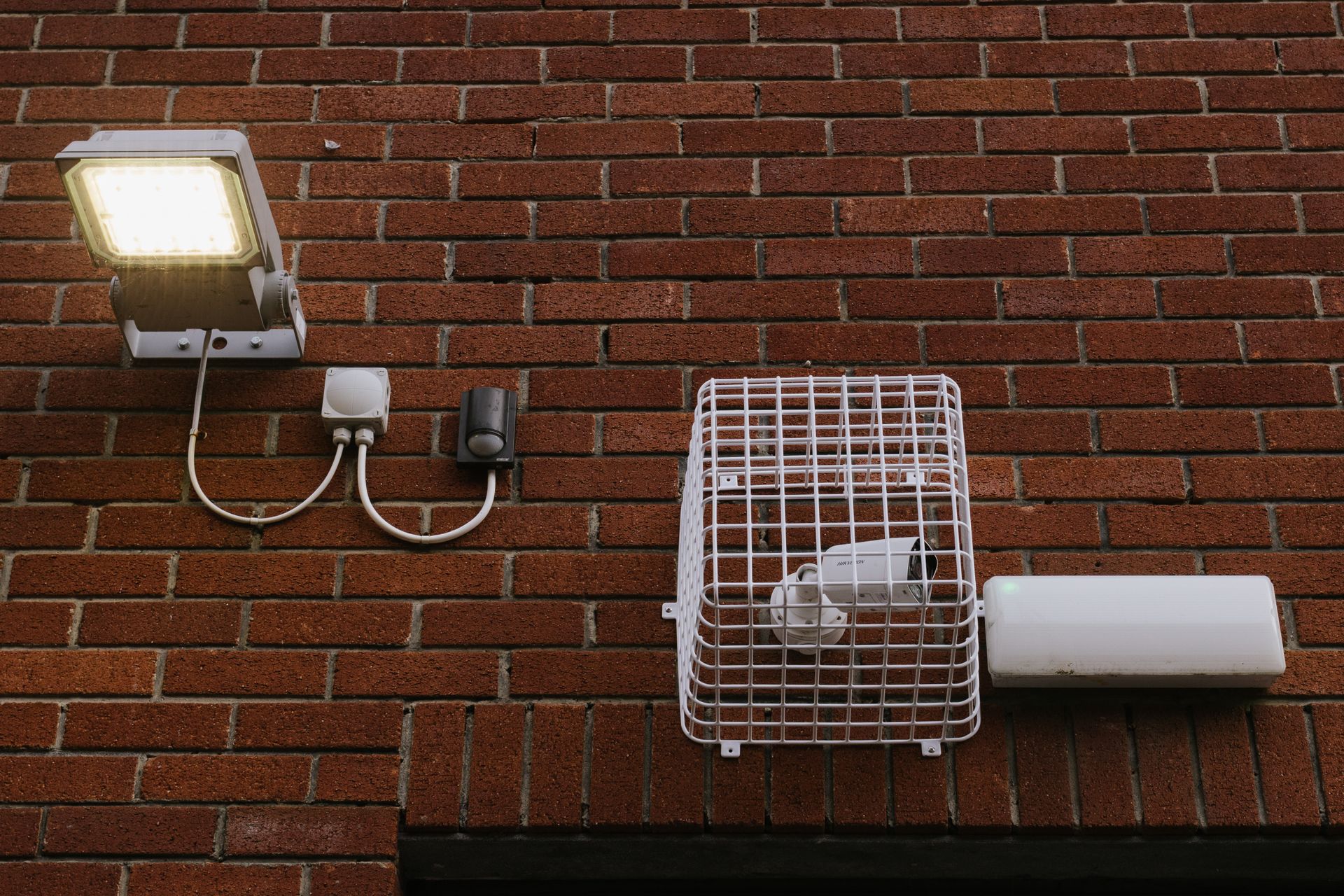
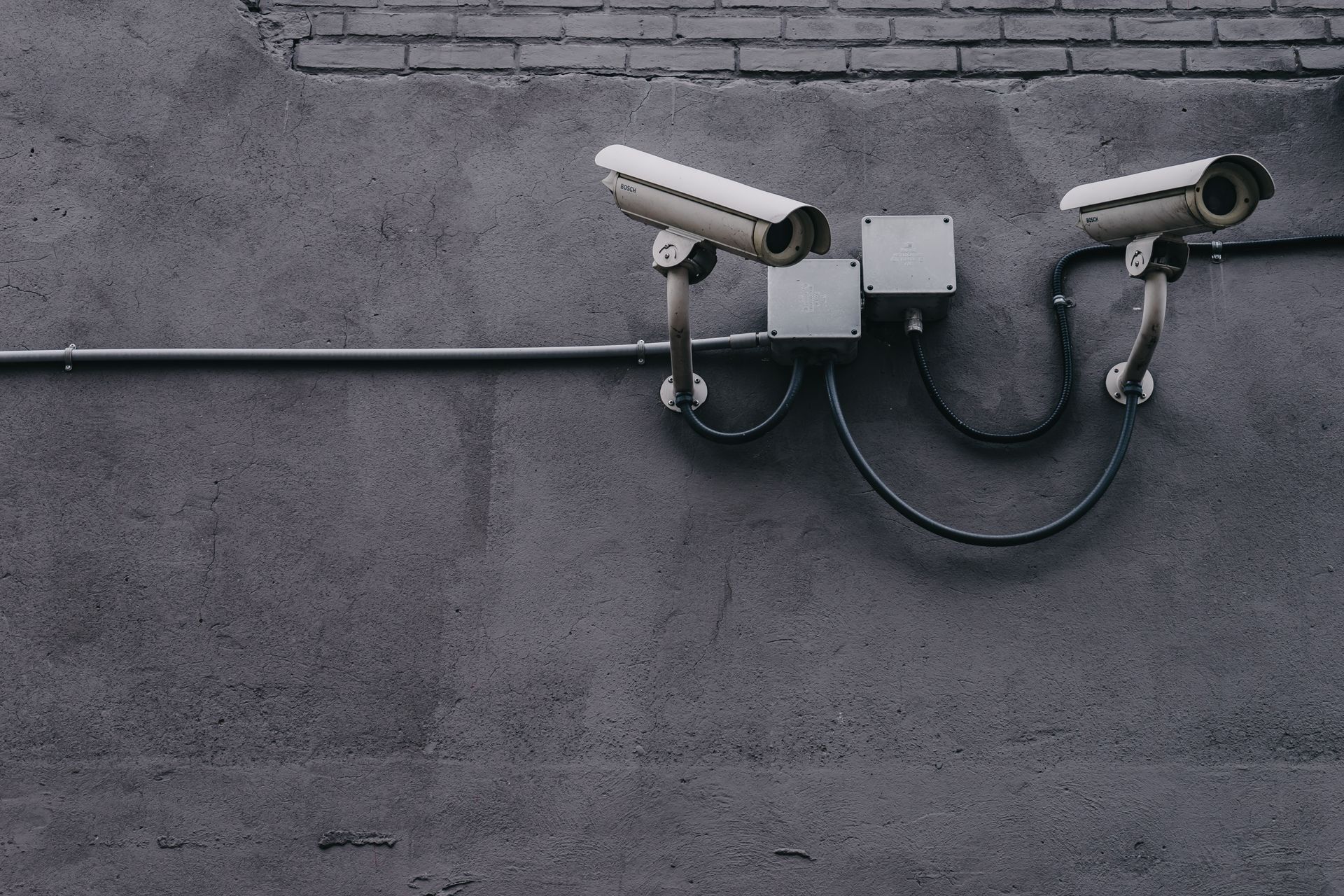
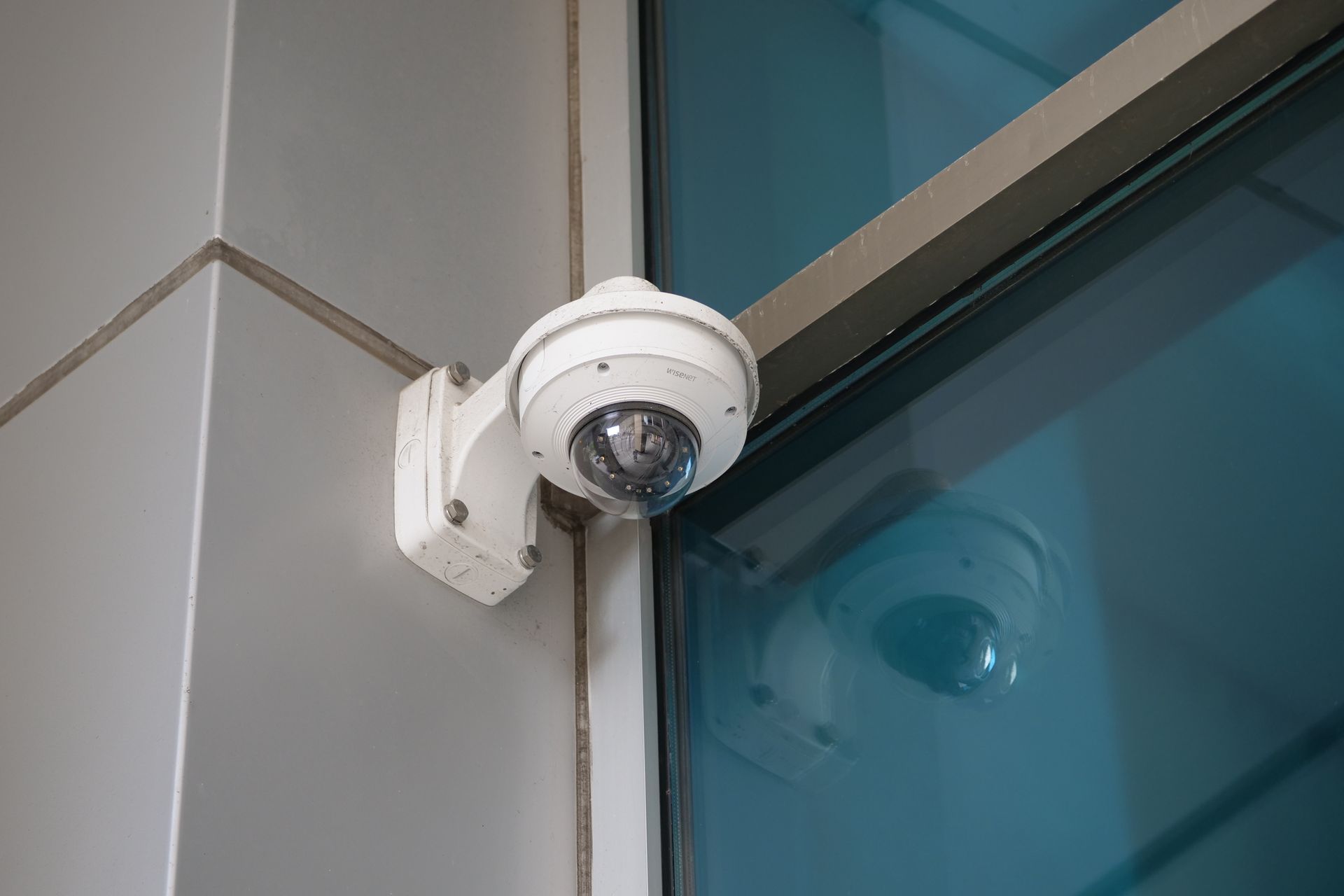
Most CCTV failures come from preventable issues: dusty or spider-webbed lenses, loose cable connections, full or failing hard drives, power-supply degradation and outdated firmware. A quarterly check catches all of these before they cost you crucial footage.
Your Quarterly CCTV Check
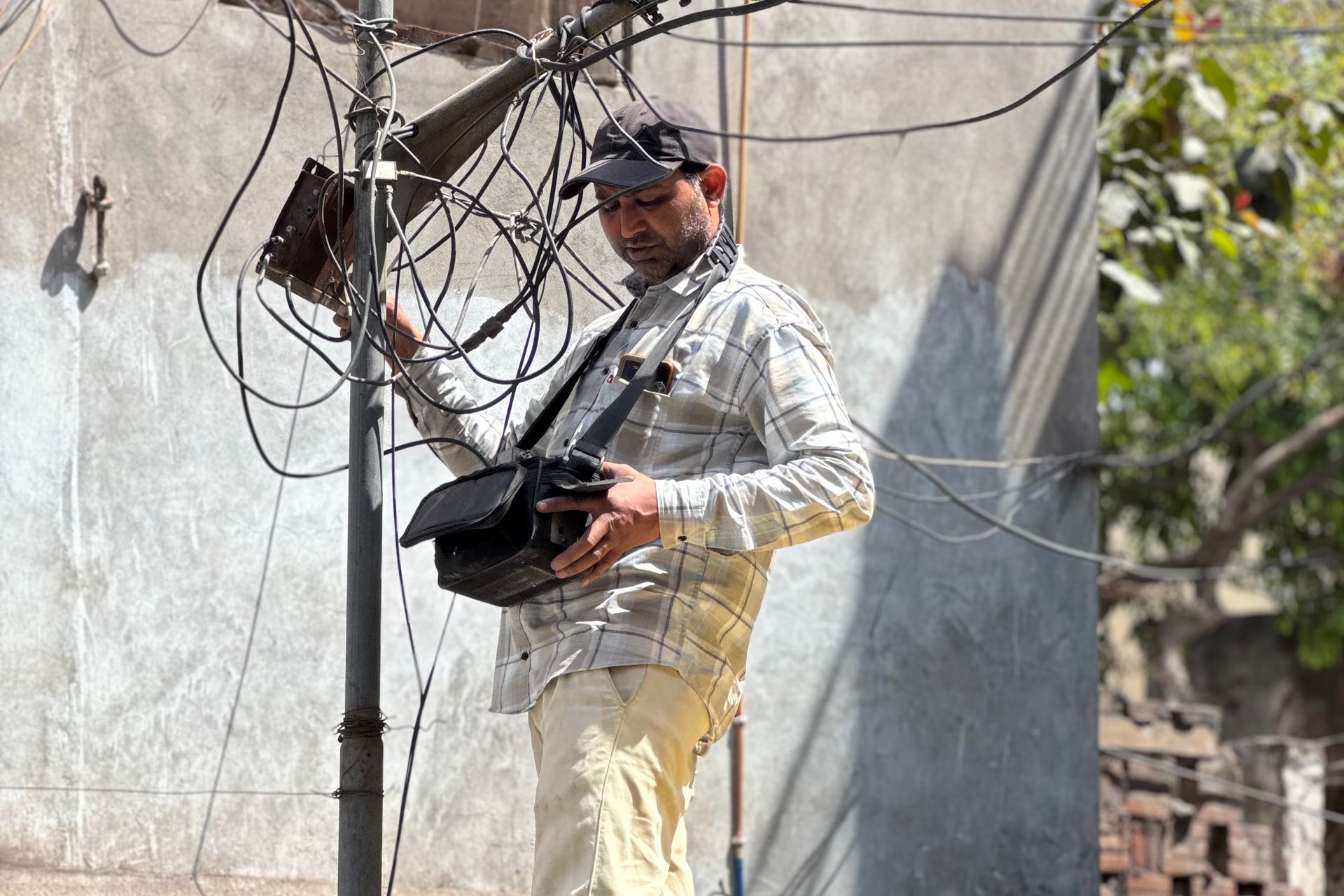
Every few months: clean each camera lens and housing, confirm all cameras show a live image, verify night vision works after dark, check that recording and the correct retention period are active, test mobile remote viewing, inspect cable joints and power supplies, and update firmware. Once a year, check hard-disk health (surveillance drives wear out under 24/7 use). If that sounds like a lot, an AMC handles it for you — SecureVision's maintenance plans cover all of the above with guaranteed response times.
Written by
SecureVision Team
SecureVision's security specialists install and service CCTV systems across 85+ cities in North India — sharing practical, field-tested advice to help you protect what matters.